Feedbuzzard

Tech content that keeps your audience buzzing

  • Home
  • Tech
  • World Tech
  • Wearable Tech
  • About Us
  • Contact
No Result
View All Result
  • Home
  • Tech
  • World Tech
  • Wearable Tech
  • About Us
  • Contact
No Result
View All Result
Feedbuzzard
No Result
View All Result
Home Latest Trends

Common eSIM Setup Questions Tourists Ask Before Traveling to Japan

Wuircenden Lornithal by Wuircenden Lornithal
April 28, 2026
in Latest Trends
0
0
SHARES
0
VIEWS

Table of Contents

Toggle
  • Can the Phone Use eSIM in Japan?
  • When Is the Best Time to Install It?
  • How Much Data Is Enough for the Trip?
  • What Should Be Ready Before the QR Code Scan?
  • Quick Pre-Trip Check List
  • What Happens If the Initial Package Runs Out?

Japan is easy to admire and surprisingly easy to get lost in, especially on a first trip. A smooth mobile setup can make train changes, map checks, and ticket scans far less stressful. Many tourists ask the same setup questions before departure, and most of them come down to timing, compatibility, and data use.

Can the Phone Use eSIM in Japan?

The first question is usually about device support. Many travelers look at Japan eSIM plans early, but the eSIM only works if the phone itself supports eSIM and is carrier-unlocked. That detail matters before a flight to Narita, Haneda, or Kansai, because setup cannot happen properly on a locked device.

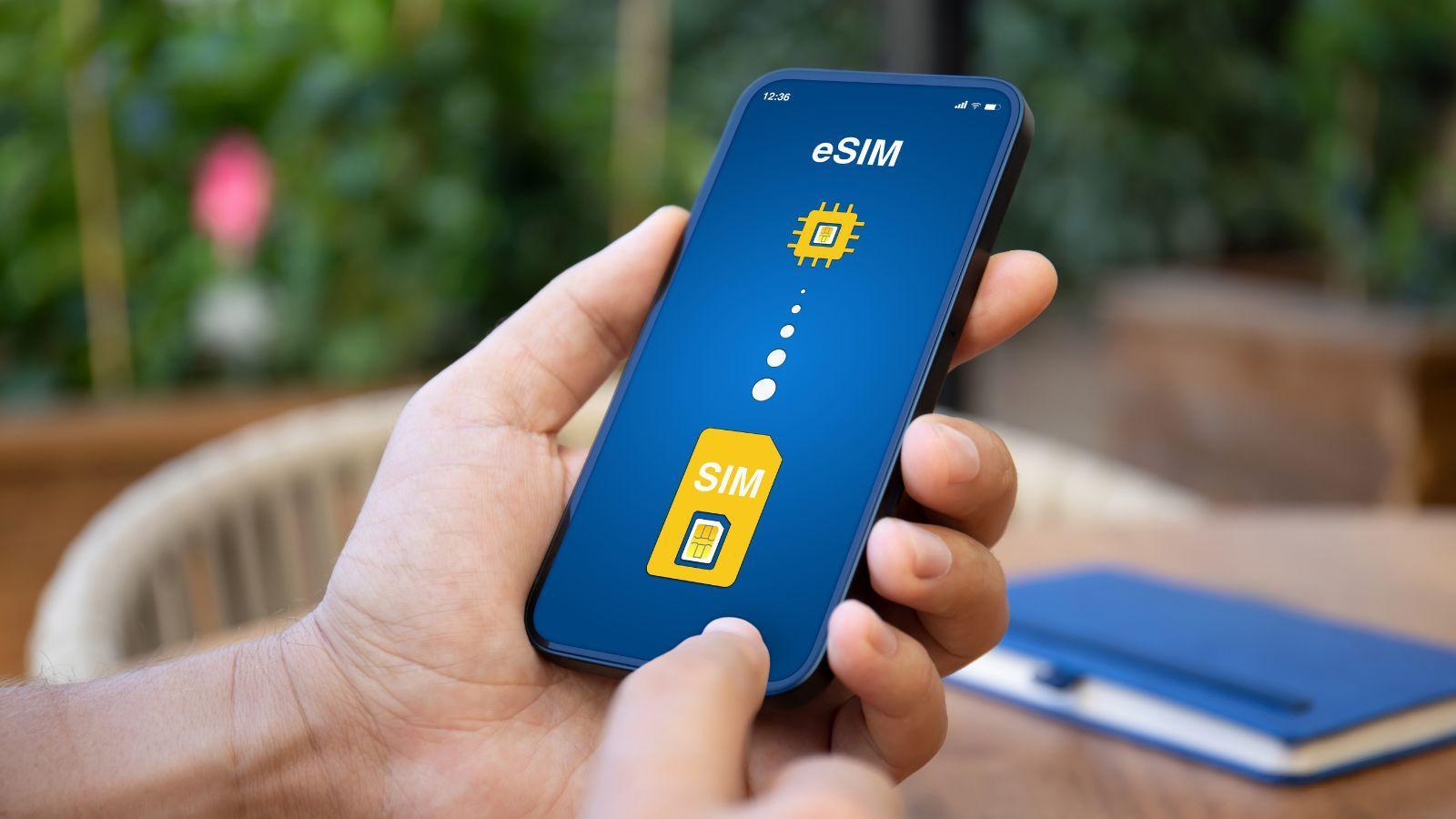
Software readiness matters too. A phone with current settings and a stable internet connection makes installation much easier, since the QR code method needs internet during setup. The installation is commonly done by scanning a QR code, and the eSIM is then added to the phone. It also shows separate setup paths for iPhone, Pixel, and Samsung devices, which is useful for first-time users.

When Is the Best Time to Install It?

A common question is whether installation should happen before the trip or after landing. The eSIM can be bought and installed in advance, then activated when needed, as long as activation happens within 60 days of purchase. That is handy for travelers who want everything ready before arrival in Osaka or Tokyo. It cuts down the airport scramble and leaves less room for setup mistakes.

There is also the question of when the package actually starts. The line starts automatically once the device connects to the destination network after the eSIM line is on, data roaming is enabled, and the eSIM is chosen for cellular data. That setup can help a tourist land in Fukuoka or Sapporo and get online without hunting for airport Wi-Fi.

How Much Data Is Enough for the Trip?

The Japan eSIMs offer several prepaid choices, including fixed-GB options for set periods and day plans with daily high-speed allowances that reset every 24 hours from activation time. That variety matters because a weekend in Tokyo looks very different from two quiet weeks split between Kyoto, Nara, and Hakone.

Maps, rail apps, booking confirmations, and restaurant searches can eat through mobile internet faster than expected. A light user in Kanazawa may need far less than someone posting from Shibuya, checking routes in Osaka, and streaming on the Shinkansen. The good part is that data plans are shown with clear durations and usage amounts, which makes comparison easier before the trip starts.

What Should Be Ready Before the QR Code Scan?

A lot of setup trouble comes from tiny skipped steps. Internet access is needed to install the eSIM, and users should turn the eSIM line on, switch on data roaming, and choose the eSIM for mobile data when at the destination. Those are basic details, but they are the kind that get missed in the middle of airport fatigue.

Quick Pre-Trip Check List

  • Confirm that the phone supports SIM
  • Make sure the device is carrier-unlocked
  • Keep the QR code easy to access
  • Use stable Wi-Fi during installation

It also helps first-time users avoid the mistake of installing the profile but forgetting to switch the right mobile data settings. Small prep work tends to pay off fast once the trip starts. A clear setup routine can save time and prevent stress after arrival.

What Happens If the Initial Package Runs Out?

Another question tourists ask is what happens when usage is higher than expected. Add-ons are available for some Japan eSIM options, and an add-on can activate automatically when the initial package expires. That is useful for trips that grow from a short city break into a wider loop through Hiroshima, Kobe, and Kyoto.

The FAQ section also says users receive a notification when usage is running low or when the package is close to expiry. That makes it easier to react before access cuts off at an awkward moment, like during a train transfer or a hotel check-in. A prepaid setup tends to work best when the package length and expected use are checked together.

Before departure, the smartest move is to treat setup as part of the itinerary, not as an afterthought. Japan eSIM plans make more sense once device support, activation timing, coverage, and usage limits are clear. For first-time visitors moving between Tokyo, Kyoto, Osaka, or quieter corners of Japan, those checks help keep mobile access steady and predictable. A few careful checks before takeoff can make everyday travel in Japan feel much easier.


Total
0
Shares
Share 0
Tweet 0
Pin it 0
Share 0
Wuircenden Lornithal

Wuircenden Lornithal

Related Posts

Latest Trends

The Low-Effort Garden: How Tech Is Changing Outdoor Chores

April 28, 2026
Latest Trends

The Impact of Crypto and Gambling Sponsorships in Sports

April 7, 2026
Latest Trends

Printing Room Humidifier: Preventing Static And Paper Defects

April 4, 2026
Next Post

The Most Popular Bingo Games That People Can Play

Modern Entertainment: Why We Crave High-Stakes Interaction

Before You Send the Proposal: Why You Must Warm Up Email Accounts for Higher Open and Reply Rates

No Result
View All Result

Categories

  • Businesses
  • Casino Bonuses
  • Fitness Trackers
  • Gaming
  • General
  • General News
  • Latest
  • Latest Trends
  • Online Gaming
  • Pokemon
  • Tech
  • Technology and Computing
  • Wearable Tech
  • World Tech
  • Home
  • Privacy Policy
  • Terms & Conditions
  • About
  • Contact Us
No Result
View All Result

Our Address: 222 Haloria Crossing
Vrentis Point, HV 12345

© 2026 FeedBuzzard.com

We use cookies on our website to give you the most relevant experience by remembering your preferences and repeat visits. By clicking “Accept All”, you consent to the use of ALL the cookies. However, you may visit "Cookie Settings" to provide a controlled consent.
Cookie SettingsAccept All
Manage consent

Privacy Overview

This website uses cookies to improve your experience while you navigate through the website. Out of these, the cookies that are categorized as necessary are stored on your browser as they are essential for the working of basic functionalities of the website. We also use third-party cookies that help us analyze and understand how you use this website. These cookies will be stored in your browser only with your consent. You also have the option to opt-out of these cookies. But opting out of some of these cookies may affect your browsing experience.
Necessary
Always Enabled
Necessary cookies are absolutely essential for the website to function properly. These cookies ensure basic functionalities and security features of the website, anonymously.
CookieDurationDescription
cookielawinfo-checkbox-analytics11 monthsThis cookie is set by GDPR Cookie Consent plugin. The cookie is used to store the user consent for the cookies in the category "Analytics".
cookielawinfo-checkbox-functional11 monthsThe cookie is set by GDPR cookie consent to record the user consent for the cookies in the category "Functional".
cookielawinfo-checkbox-necessary11 monthsThis cookie is set by GDPR Cookie Consent plugin. The cookies is used to store the user consent for the cookies in the category "Necessary".
cookielawinfo-checkbox-others11 monthsThis cookie is set by GDPR Cookie Consent plugin. The cookie is used to store the user consent for the cookies in the category "Other.
cookielawinfo-checkbox-performance11 monthsThis cookie is set by GDPR Cookie Consent plugin. The cookie is used to store the user consent for the cookies in the category "Performance".
viewed_cookie_policy11 monthsThe cookie is set by the GDPR Cookie Consent plugin and is used to store whether or not user has consented to the use of cookies. It does not store any personal data.
Functional
Functional cookies help to perform certain functionalities like sharing the content of the website on social media platforms, collect feedbacks, and other third-party features.
Performance
Performance cookies are used to understand and analyze the key performance indexes of the website which helps in delivering a better user experience for the visitors.
Analytics
Analytical cookies are used to understand how visitors interact with the website. These cookies help provide information on metrics the number of visitors, bounce rate, traffic source, etc.
Advertisement
Advertisement cookies are used to provide visitors with relevant ads and marketing campaigns. These cookies track visitors across websites and collect information to provide customized ads.
Others
Other uncategorized cookies are those that are being analyzed and have not been classified into a category as yet.
SAVE & ACCEPT
No Result
View All Result
  • Home
  • Tech
  • World Tech
  • Wearable Tech
  • About Us
  • Contact

© 2026 JNews - Premium WordPress news & magazine theme by Jegtheme.