
Picture this: you’re sitting down, ready to binge the latest series, and then it happens. The buffering wheel of doom spins and you realize, your WiFi signal is weaker than your morning coffee. Understanding WiFi might just save your sanity, and your weekends. Let’s jump into the world of WiFi, breaking down how it works, why it’s essential, and how you can harness its power like a tech wizard.
Wifi.comd0md0md0m
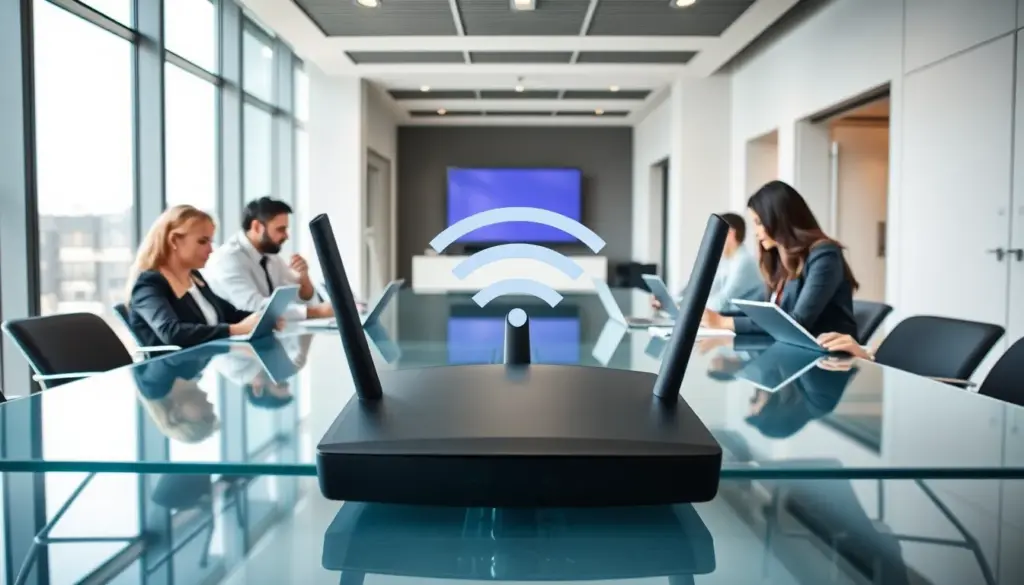
At its core, WiFi stands for Wireless Fidelity. This remarkable technology allows devices to communicate over a wireless network. Imagine sending and receiving data without the hassle of tangled cables. Sounds magical, right? But there’s science at play here.
WiFi uses radio waves to transmit information between devices, such as routers, smartphones, laptops, and smart TVs. The data is broken down into packets, sent out, and reassembled at lightning speed. Typically operating on the 2.4 GHz and 5 GHz frequencies, WiFi can cover a wide range of distances, making it a staple in homes, offices, and public spaces. The beauty is that it enables multiple devices to connect at once, all while maintaining relatively high speeds.
The Importance of WiFi in Modern Life
In our fast-paced world, WiFi is not just a convenience: it’s a necessity. From streaming videos to attending virtual meetings, a solid WiFi connection impacts productivity and leisure. Think about it: how many times do you depend on WiFi for work, school, or social interactions?
Businesses thrive on it. A reliable WiFi network can be the difference between a productive work environment and a chaotic one. It plays a crucial role in remote work, enabling teams to collaborate seamlessly regardless of their location. For students, a strong WiFi connection can mean easier access to vital educational resources.
Also, in urban areas, free public WiFi networks offer opportunity. They level the playing field, allowing anyone with a device to connect, learn, and grow. Without question, WiFi is the spine of modern communication.
Common WiFi Standards and Technologies
When it comes to WiFi, standards dictate speed and performance. The most commonly known ones are 802.11a, 802.11b, 802.11g, 802.11n, and 802.11ac (and the newest, 802.11ax, also known as WiFi 6). Each comes with increased capabilities and efficiency.
• 802.11b: An older standard, allows speeds up to 11 Mbps. It’s like a slower cousin at family gatherings.
• 802.11g: A step up, reaching up to 54 Mbps. Expect a bit more party spirit here.
• 802.11n: A favorite, capable of up to 600 Mbps through multiple antennas. Think of it as the overachiever in class.
• 802.11ac: Running on the 5 GHz band, it can deliver gigabit speeds. The fast lane of WiFi.
• WiFi 6: The latest in the family, enhancing speed and efficiency, particularly in crowded areas.
These different standards affect how users experience their connection. Knowing them helps in choosing the right equipment and understanding what speeds to expect.
Setting Up Your WiFi Network
Setting up a WiFi network isn’t rocket science, but it does come with its own set of steps. Start by placing the router in an open area to minimize interference. Ideally, position it as high as possible to enhance coverage. Here’s a simplified setup guide:
- Connect your router: Plug it into a power source and connect it to your modem via an Ethernet cable.
- Access the router settings: Use a computer or smartphone, go to a browser, and enter the router’s IP address (usually found in the manual).
- Configure name and password: Change the default SSID (network name) and set a strong password. Avoid using easily guessable information.
- Secure your network: Enable WPA3 or WPA2 encryption to keep unwanted users at bay.
- Finalize and test: Save your settings and reboot the router. Check connectivity with a device to confirm.
Following these steps can ensure a smooth initial connection.
Troubleshooting WiFi Issues
Even the best networks can encounter hiccups. Common WiFi issues include slow speeds, intermittent drops, and complete disconnection. Fear not: with a bit of troubleshooting, it’s often easy to fix. Here are some actionable tips:
- Check for interference: Devices like microwaves and cordless phones can disrupt signals. Move your router away from these culprits.
- Restart your router: A simple but effective step, turning your router off and back on can resolve many minor issues.
- Update firmware: Keeping your router’s firmware up to date ensures you benefit from the latest features and security patches.
- Limit the number of connected devices: Too many users can slow your network. Consider disconnecting unused devices.
- Use a WiFi extender: If coverage is an issue, a wireless extender can boost signals in hard-to-reach areas.
Adopting these practices can pave the way for a smoother and more efficient WiFi experience.
Future of WiFi Technology
As technology evolves, so does WiFi. The future promises enhanced speeds, lower latency, and improved connectivity through innovations like WiFi 6 and beyond. The focus is shifting towards increasing efficiency, especially as the number of connected devices surges with the Internet of Things (IoT).
Also, upcoming standards aim to enhance security, making connections not just faster but also more robust against cyber threats. Expect better integration with smart homes, where your refrigerator might alert you about low milk while streaming your favorite series simultaneously.
In essence, the future of WiFi technology looks bright, paving the way for smarter, faster, and more secure connections.