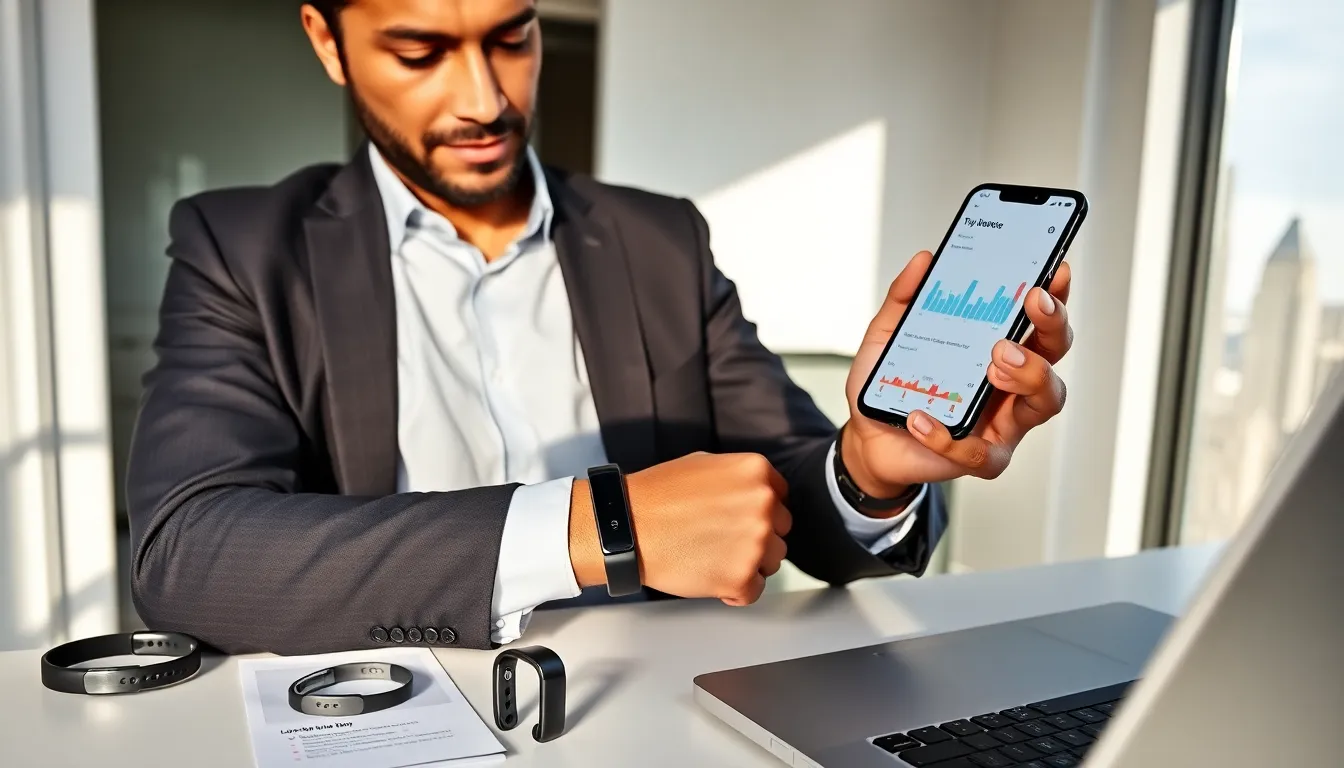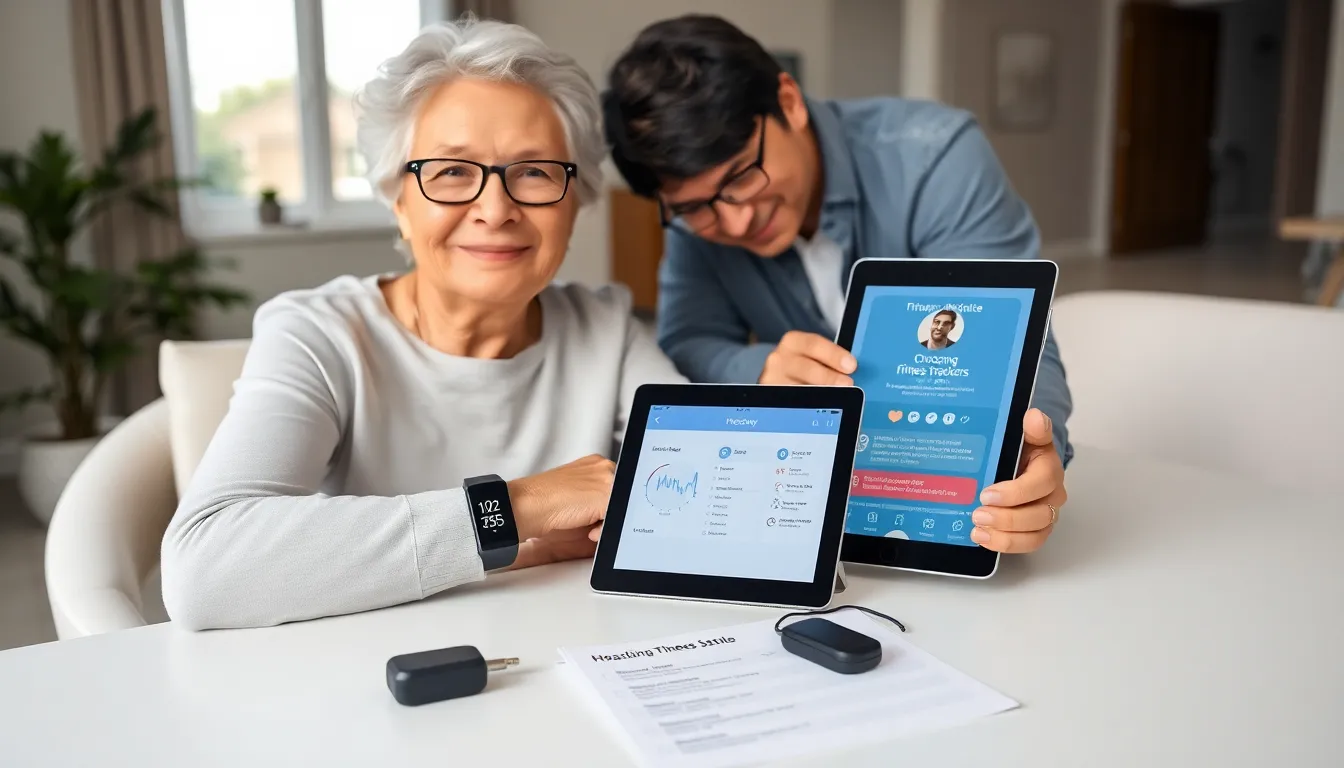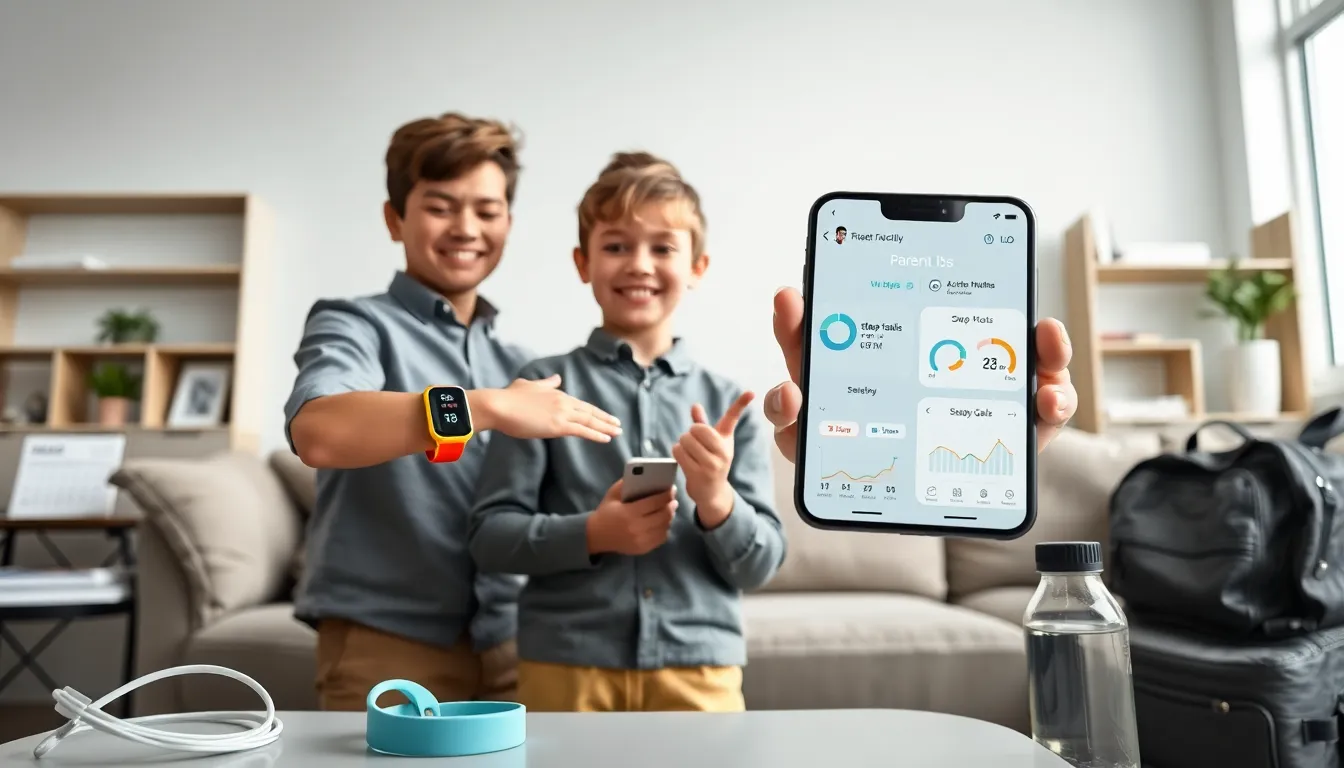
Parents often choose fitness trackers for kids to help children move more and learn healthy habits. The device records steps, active minutes, and sleep. It sends data to a parent app. This article explains benefits, selection tips, safety, activity ideas, cost factors, and care steps.
Key Takeaways
- Fitness trackers for kids help increase daily movement by tracking steps, active minutes, and sleep and by turning goals into fun badges or challenges.
- Choose a tracker that fits your child’s age and wrist size, offers parental controls and a simple app, and balances GPS features with privacy needs.
- Prioritize clear step counting, reliable sleep reports, long battery life, water resistance, and durable bands to maximize consistent wear and accurate data.
- Use small, positive goals, family step challenges, and simple rewards to keep children engaged, and avoid punishing missed targets.
- Set up and maintain the device properly—charge before first use, update firmware and the app, test accuracy, and troubleshoot syncing or fit issues promptly.
Why Use a Fitness Tracker For Kids? Benefits And Limitations
Parents buy fitness trackers for kids to track movement and encourage play. The tracker counts steps, records active minutes, and logs sleep. The device gives concrete feedback that children understand. Teachers or coaches can use data to set simple goals. Research shows small daily goals can raise daily activity. Some trackers add badges and gentle reminders. Those features make movement more fun.
Trackers have limits. Trackers for kids may miscount activity during some games. Small wrist size can reduce accuracy. Some devices focus on steps and miss strength or flexibility work. Parents should treat the device as a guide, not a medical tool. Families that want deeper tracking can read a comparison of kids fitness trackers before they buy. The tracker can help answer the question of are fitness trackers worth it for a family.
How To Choose The Right Tracker For Your Child
Parents should match the device to the child’s age and habits. He or she should prefer a model that fits and that the child will wear daily. The tracker should sync with a parent app and allow settings for privacy. Families should check battery life, durability, and water resistance.
Key Features To Prioritize
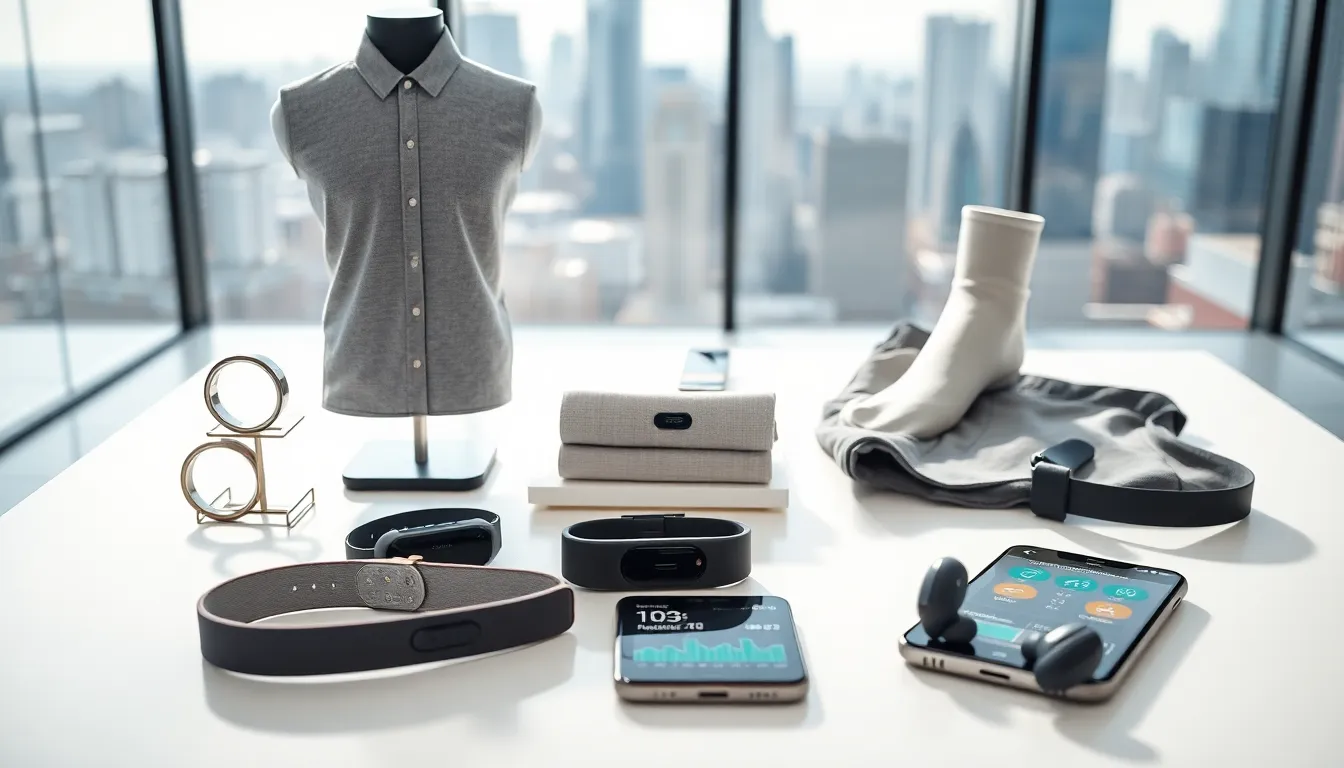
Parents should choose trackers with clear step counting, active minute tracking, and sleep reports. They should choose trackers with parental controls and simple goal setting. Some devices include GPS, but parents must weigh location features against privacy needs. For families that want options beyond wrist devices, they can review articles about fitness trackers that are not watches. Parents should prefer devices with easy charging and a straightforward app interface.
Age, Size, And Usability Considerations
Parents should pick a tracker that fits the child’s wrist and that the child can operate. Younger children need a simple display and large icons. Older children can use apps and see charts. The band should sit snug but not tight. If a tracker offers multiple band sizes, parents should choose the smaller size. Parents should avoid trackers with many tiny parts for preschoolers.
Safety, Privacy, And Parental Controls
Parents must check data permissions and default settings. The company should store data securely. He or she should read the privacy policy before purchase. Parents should disable unnecessary sharing and location features when possible. The app should allow password protection of the account.
Parents should use family account features to control contacts and alerts. Some devices let parents approve friend requests or step challenges. Schools or clubs should not get access without consent. If a family worries about medical use, they should consult a pediatrician before relying on tracker data. Those who want details on tax-advantaged purchase rules can learn if devices qualify by reading are fitness trackers fsa eligible.
Activity Ideas And Ways To Encourage Regular Use
Parents should set small goals and celebrate progress. They should create step challenges with siblings and friends. He or she can schedule brief movement breaks during assignments. The family can plan weekend walks and log steps together. Teachers can use wrist trackers for class activity breaks when parents agree.
Parents should rotate activities to keep interest. They should mix walking, bike rides, ball games, and short strength routines. Children respond to rewards and to social sharing with family. Adults should avoid punishing children for missed goals. Positive feedback increases consistent wear.
Parents can pair a tracker with simple rewards. For example, a child earns extra story time for reaching a weekly step goal. Coaches can set team goals and celebrate the group. Activity ideas can start from daily chores that count as movement.
Price, Durability, And Battery Life: Comparing Value
Parents should compare price against features. Higher-priced models often add GPS, longer battery life, and custom apps. Lower-priced models can still track steps and sleep. Parents should check warranty and water-resistance ratings. A good tracker should survive drops and splashes.
Battery life affects wear. Trackers with multi-day battery life need less charging and get more consistent data. Some models use rechargeable batteries. Others use coin cells that parents can swap. Parents should weigh replacement cost when they buy. For families who consider alternate form factors, they can read about an ankle fitness tracker for sports that need a different mount. Price can influence whether families view the purchase as an experiment or a long-term tool.
Care, Setup, And Troubleshooting Tips For Parents
Parents should charge the tracker before first use. They should update firmware and the app. He or she should pair the device with the parent phone and set the child profile. Parents should test step counts and sleep logging on the first few days.
If the tracker stops syncing, parents should restart the app and the device. They should clear Bluetooth pairings and re-pair if needed. If the band causes skin irritation, parents should change the band or clean the device. Parents should keep spare bands and a charging cable in a common spot. When a device shows inconsistent data, parents should check fit and restart the tracker.
If parents want more context on general device value, they can consult a short guide on are fitness trackers worth it. Parents who have questions about non-watch designs can read about alternatives in the link to fitness trackers that are not watches.