Kids fitness trackers appear on many family wish lists. Parents want simple tools that track steps, active minutes, and sleep. This guide explains benefits, key features, safety rules, age-based choices, and costs. It helps parents pick a device that fits a child and a family routine.
Key Takeaways
- Kids fitness trackers motivate movement by tracking steps, active minutes, and sleep while turning goals into badges and friendly family challenges.
- Choose devices with reliable step/sleep tracking, clear displays, easy syncing, strong parental controls, and multi-day battery life for everyday use.
- Match features to age: simple clip-on or band designs for preschoolers, reward-based step goals for ages 6–9, and optional heart-rate or GPS with parental consent for tweens.
- Protect privacy by reviewing data policies, disabling unwanted location sharing, using strong passwords, and preferring companies that minimize and allow deletion of child data.
- Compare total costs—including subscriptions and replacement parts—and replace or upgrade when accuracy or battery life declines to maintain long-term value.
Benefits Of Fitness Trackers For Children
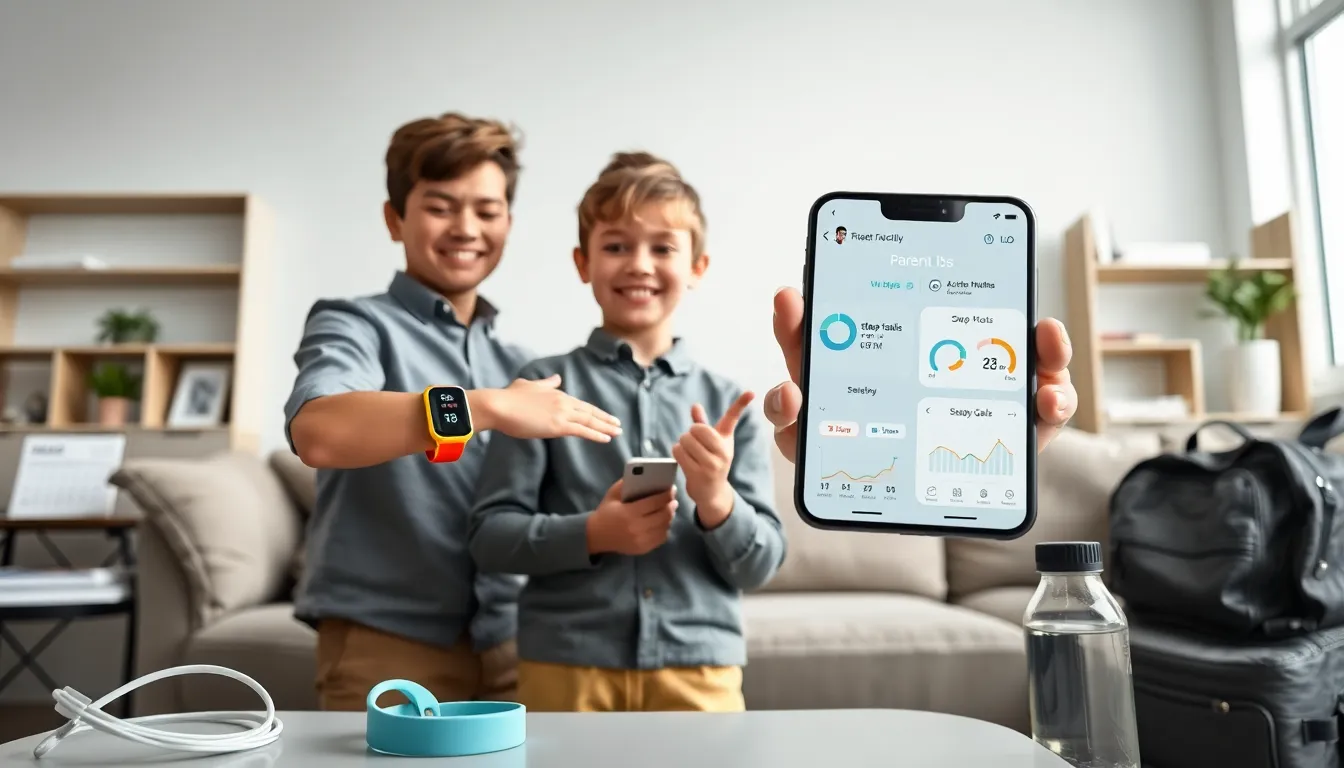
Kids fitness trackers help parents and children see daily activity. They record steps and active time. They encourage movement through simple goals and badges. They help parents spot sleep patterns and set routines. Teachers and coaches can use data to support physical education plans. Families can use trackers to make friendly competitions that motivate children. Studies show small, regular goals increase activity in children. Parents should weigh motivation benefits against privacy and cost.
Key Features To Look For
text
Parents should choose trackers that measure steps, active minutes, and sleep reliably. They should pick devices with clear displays and simple apps. A tracker should have easy syncing and simple parental controls. Some trackers connect to community features that encourage kids to move.
Age-Appropriate Features
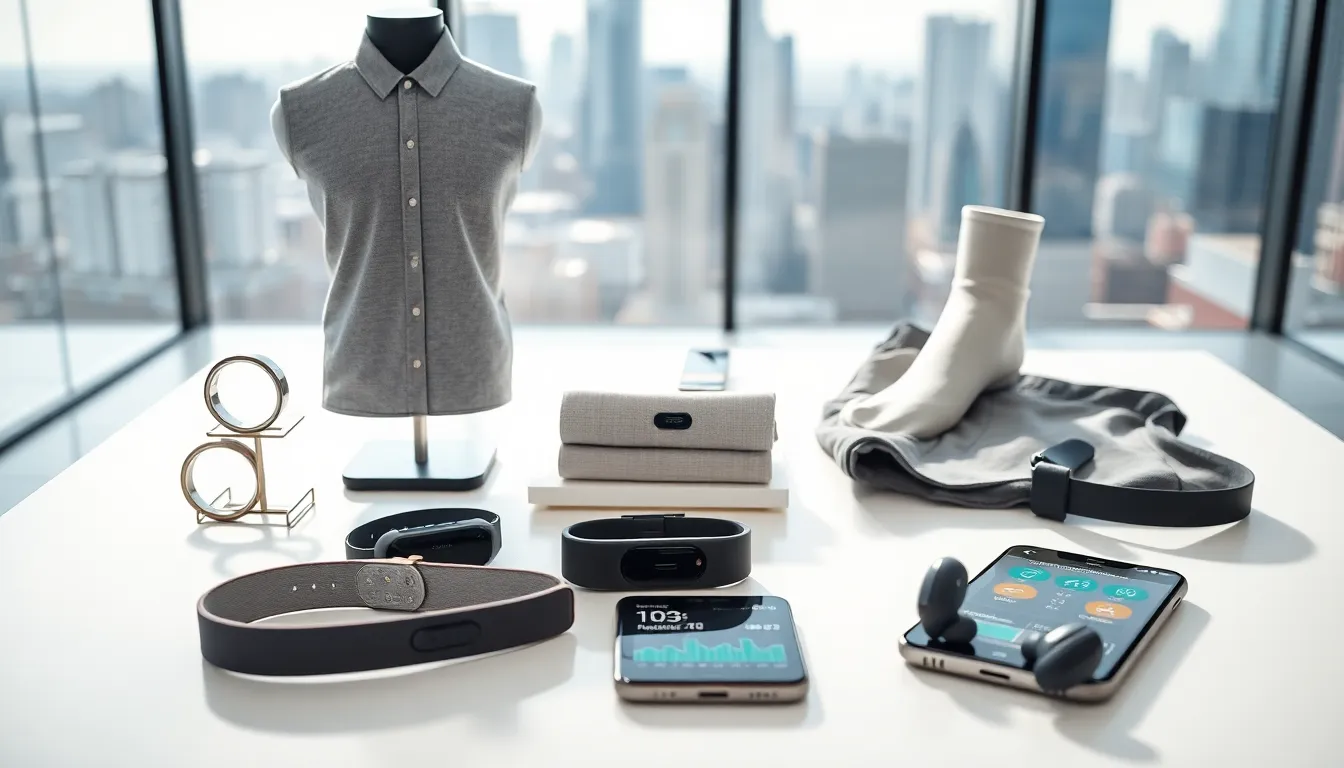
Parents should pick features that match a child. Younger kids need simple step counts and badges. Older kids may benefit from heart rate and GPS only if parents allow location sharing. Parents who want non-watch options can read reviews about fitness trackers that are not watches to find clip-on or band designs.
Design, Durability, And Battery Life
Buy a tracker that resists drops and water. Choose bands that fit small wrists. Pick models with multi-day battery life to avoid daily charging. Consider models with replaceable bands so a child can personalize a device and keep interest high.
Safety, Privacy, And Data Protection
Parents must protect a child’s data from unnecessary sharing. They must review data storage policies before purchase. They must disable location features if they do not want real-time tracking. They should use strong passwords on associated accounts.
Parental Controls And Consent
Parents should use parental controls to limit features and set approval for contacts. They should explain data rules to a child in plain language. They should check app permissions after updates.
Data Storage, Sharing, And Minimization
Buy devices that store minimal personal data. Parents should choose companies that allow data deletion. They should avoid trackers that share data with many partners. Parents can compare privacy terms across brands and pick the one with clear retention limits.
Child Online Privacy Regulations To Know
Parents should learn national rules that protect children online. They should check whether a company follows those rules. They should ask customer support for written confirmation about compliance.
Choosing A Tracker By Age Group
Preschool (Ages 3–5): Simple And Durable Options
Choose trackers with few buttons and large icons. Pick devices with bright colors and durable cases. Parents may prefer clip-on options for this age. A clip-on option can work well for toddlers who dislike wristbands. For examples of non-watch formats, parents can read about fitness trackers that are not watches for ideas.
Early School Years (Ages 6–9): Motivation And Basic Tracking
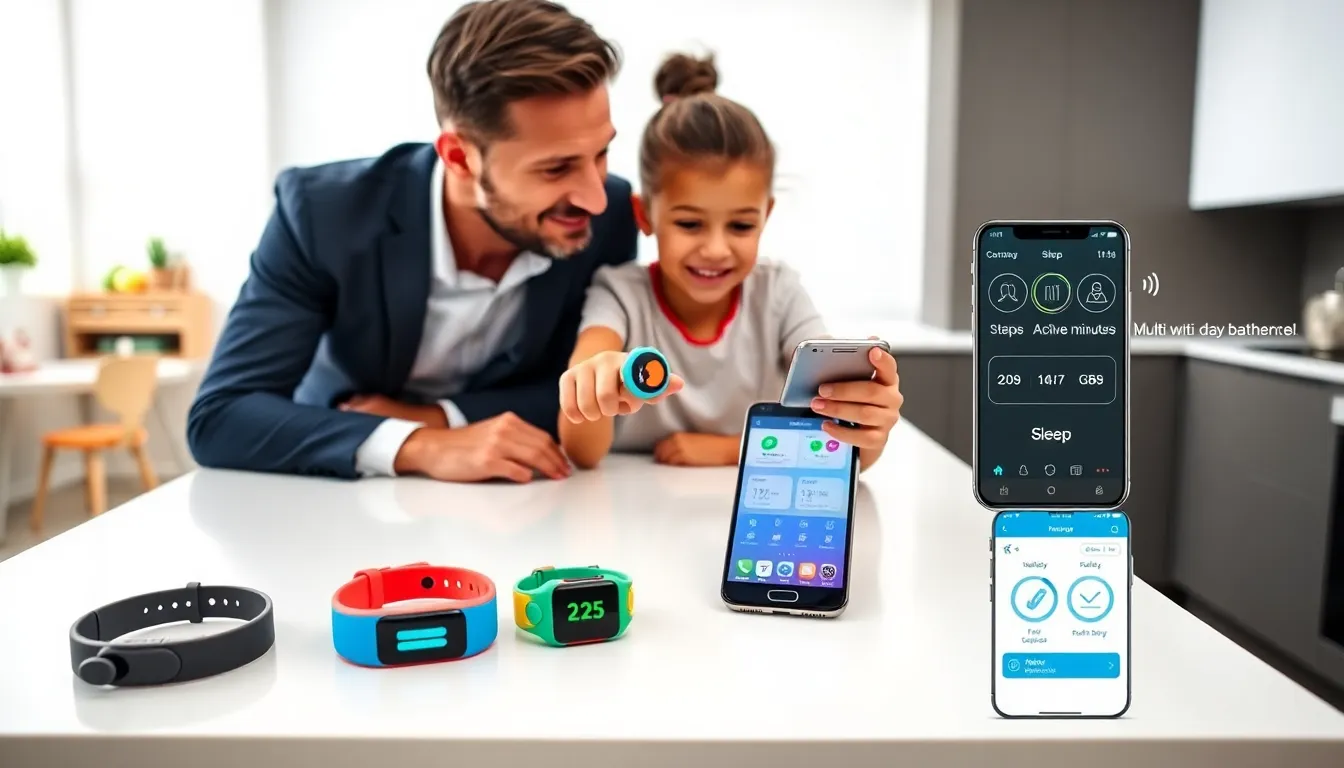
Choose trackers that reward daily steps and short activity bursts. Parents should use family challenges to keep kids engaged. Look for models with simple goal setting and parental dashboards. Parents who want to assess value can compare options and read articles that ask are fitness trackers worth it.
Tweens (Ages 10–12): Advanced Metrics And Autonomy
Choose trackers that offer heart rate and sleep tracking if a child shows interest. Offer limited autonomy so a child can learn self-monitoring. Parents may allow GPS for safety but must set strict sharing rules. For those considering ankle placement during sports, see guidance on the ankle fitness tracker.
Practical Tips For Introducing A Tracker To Your Child
Setting Realistic Goals And Positive Reinforcement
Parents should set small, clear goals. Parents should celebrate progress with praise or a non-food reward. Parents should avoid public shaming and focus on effort.
Establishing Usage Limits And Screen-Free Times
Parents should set rules about when a tracker and its app can be used. Parents should disable features during meals and before bedtime. Parents should explain the rules and apply them consistently.
Troubleshooting Common Issues And Maintaining Engagement
Parents should check sync problems first by restarting the app and the tracker. They should replace bands and chargers when wear reduces performance. They should refresh goals every few weeks to keep a child interested. Parents can compare long-term value and benefits with resources about are fitness trackers fsa eligible if they plan to use health funds.
Costs, Value, And Long-Term Considerations
Upfront Costs Versus Subscription Services
Buy trackers with a clear upfront price and transparent subscription fees. Parents should add subscription costs to the total yearly cost. They should check for family plans that reduce per-child fees.
When To Replace Or Upgrade A Tracker
Replace a tracker when accuracy drops or battery life shortens. Upgrade when a child needs features the current device lacks. Parents should weigh repair costs against replacement prices. For adults in the household, a parent may compare trackers for different ages, including options aimed at older users like fitness trackers for seniors. Parents who consider tax-advantaged plans can check whether devices qualify as are fitness trackers fsa eligible or are fitness trackers hsa eligible.